
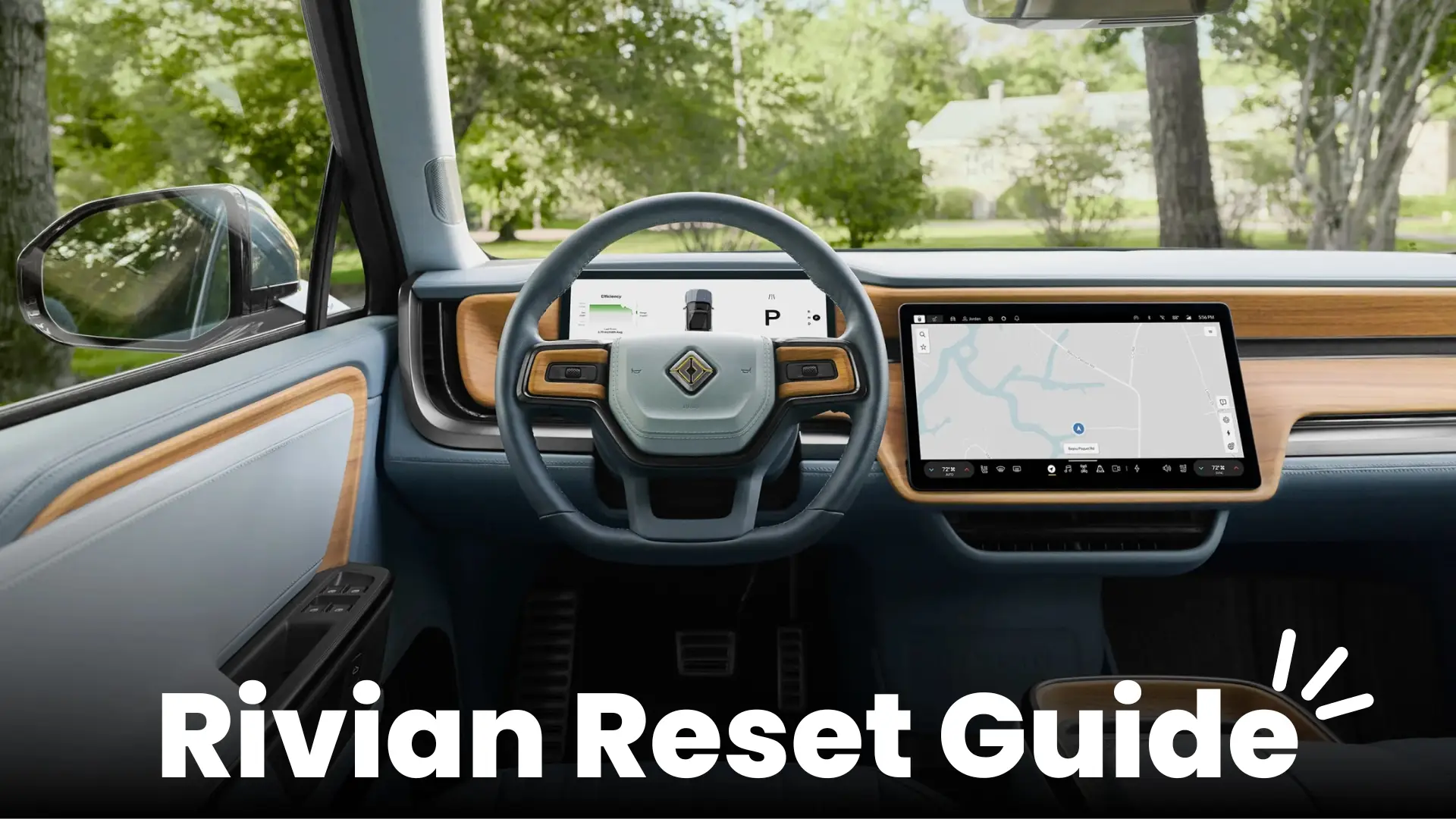
In this Rivian reset guide, I’ll break down all four reset types—Sleep Reset, Infotainment Reset, Full Reset, and the new On-Screen Reset—with clear steps, photos, and videos. Along the way, you’ll see some pro tips and stories to make the process easier to remember.
Rivian Reset Guide: First 3 Rivian Resets
Before we dive into the details, here’s a quick video walking through the first three resets: Sleep Reset, Infotainment Reset, and Full Reset.
1. Sleep Reset

Sometimes the simplest approach works best. The Sleep Reset forces the Rivian into deep sleep mode, which clears up many small issues.
Steps:
- First, make sure the vehicle is unplugged.
- Next, unbuckle all seatbelts and confirm no one is inside.
- Finally, lock the truck and walk away for 30 minutes.
2. Infotainment Reset

When the center screen freezes or Alexa goes silent, this is the reset you need. Think of it as the Rivian version of pressing Ctrl+Alt+Delete on a laptop.
Steps:
- Hold the far-left and far-right steering wheel buttons together.
- Keep holding for about 15 seconds, until the screen restarts.
3. Full Reset

If the smaller resets don’t solve the problem, the Full Reset is the next step. This method restarts the entire vehicle computer system. It’s basically like unplugging your Wi-Fi router—except it weighs over 7,000 pounds.
Steps:
- Press and hold the far-left steering wheel button along with the emergency flasher button.
- Keep holding both for about 15 seconds, then release once the system restarts.
⚠️ Important:
- After a Full Reset, wait at least one hour before trying again.
- If problems continue, Rivian recommends contacting Support.
Rivian Reset Guide: On-Screen Full Reset (Gen 2 Only)
With Rivian’s recent software updates, you don’t even need button combos anymore. Here’s a quick video showing the new On-Screen Reset feature.
4. On-Screen Full Reset (Gen 2 only)

This is by far the easiest reset option. Everything is done directly from the touchscreen.
Steps:
- On your center display, open Settings → Vehicle → Service.
- Then tap Restart All Computers.
📝 Pro Tip: If you can never remember which buttons to press, this method saves you the trouble.
Why Gen 1 Rivians Don’t Have the On-Screen Reset
If you own a Gen 1 Rivian (2022–2024), you might be wondering: “Why don’t I have that handy on-screen reset option?”
The answer comes down to the electrical architecture. Gen 1 Rivians were built with dozens of electronic control units (ECUs) spread throughout the vehicle. In that setup, the infotainment system can’t directly command a full vehicle restart—it’s only one of many computers, and the reset has to be triggered through hardware inputs like the hazard button and steering wheel.
By contrast, Gen 2 Rivians (2025 and newer) have a much simpler design with just seven computers handling all major systems. This streamlined architecture makes it possible for Rivian to integrate the reset command into the infotainment system itself, which is why you now see the “Restart All Computers” option in the Service menu.
My best guess? Rivian may eventually bring some form of on-screen reset to Gen 1 vehicles, but because of the more complex ECU layout, it’s a tougher function to implement.
📝 Pro Tip: If you’re in a Gen 1 Rivian, stick to the three tried-and-true methods—Sleep, Infotainment, and Full Reset. Gen 2 owners just get the added convenience of the on-screen option.
Personal Story
The first time my R1T froze, I honestly thought I had broken something expensive. After a moment of panic, I learned the reset combo and realized it was like finding a cheat code in a video game. Now, I actually enjoy showing it off to passengers. It feels like being part of a club of Rivian “insiders.”
Final Thoughts
Between the Sleep Reset, Infotainment Reset, Full Reset, and the new On-Screen Reset, you now have all the tools to handle most glitches on your own. As a result, you can avoid unnecessary service calls and get back to enjoying the road faster.
If resets don’t solve the issue, Rivian Support is always available through the app or their website.
✅ Tip: Bookmark this page so you’ll always have your own Rivian reset cheat-sheet ready to go.
Leave a Reply