
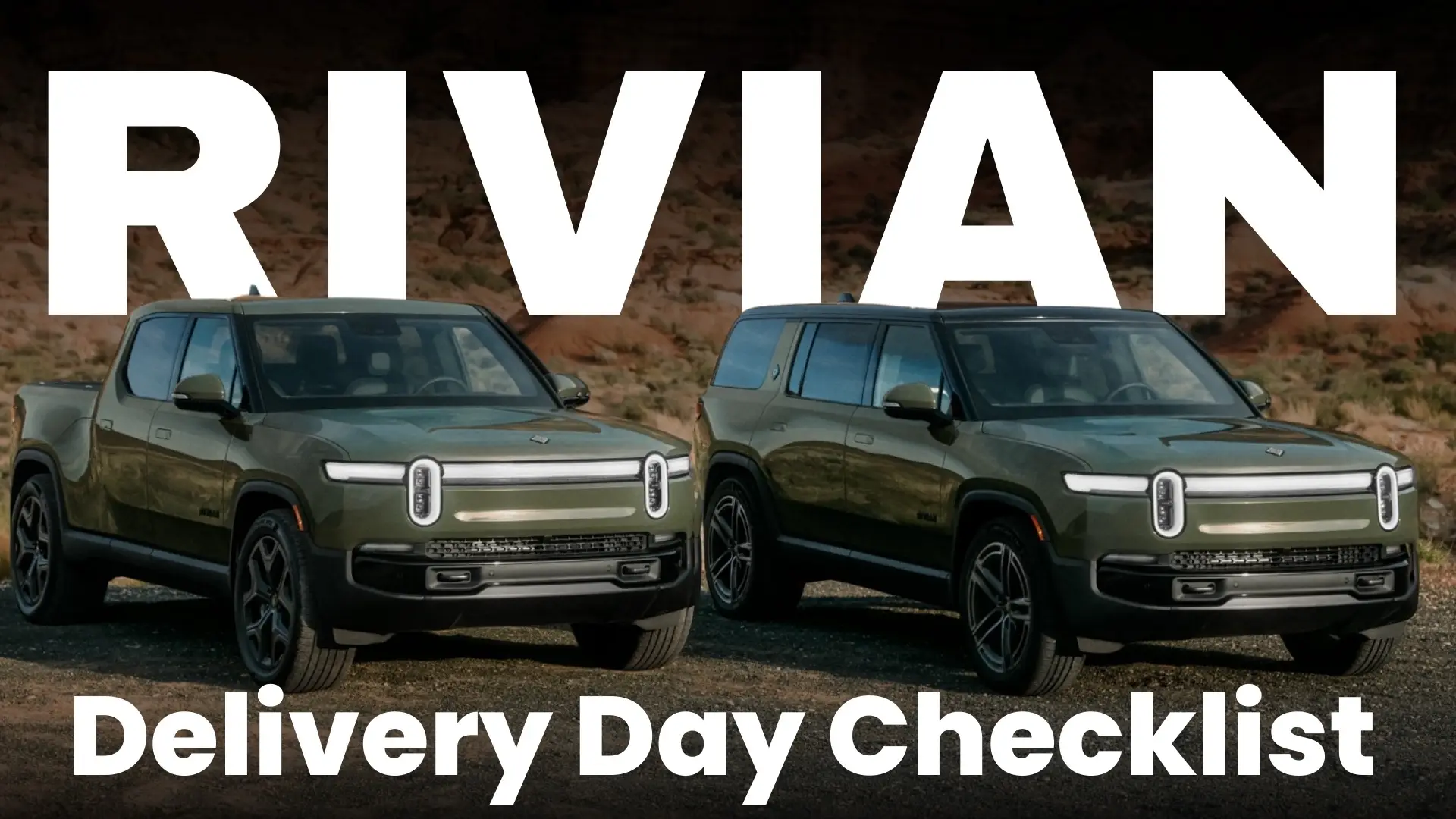
Congratulations Fellow Adventurer
Taking delivery of your Rivian is one of the most exciting parts of the ownership journey — but it can also feel overwhelming. Between the paperwork, the walkthrough, and the adrenaline of finally seeing your truck or SUV in person, it’s easy to miss small but important details.
That’s why I created this Rivian Delivery Inspection Checklist. It’s a simple, step-by-step guide you can use on delivery day to make sure your vehicle is in perfect shape before you drive off.
In this post, we’ll cover the “Good to Know” essentials you should check at your appointment, link you to my videos on pre-delivery tips and must-have accessories, and give you a free PDF download of the complete checklist.
Pre-Delivery Tips
I’ve already made a full video on pre-delivery prep — you can watch that here:
Here’s a quick refresher so you know what to expect:
- Co-registrants must be present – Everyone listed on the registration needs to be there with valid driver’s licenses.
- Trade-in documents – Bring your title, registration, and proof of insurance. Without them, Rivian won’t accept the trade-in.
- Delivery time – Plan for about an hour to get through paperwork, walkthrough, and inspection.
- Rivian app – Download the app before delivery. It’s your digital key, remote climate control, and service portal.
- Referral rewards – If you used a referral code, expect your rewards to show up in the app within ~10 days.
- Accessories shipping – Don’t panic if some items like the wall charger or cargo crossbars aren’t there. Rivian now ships them separately.
- No last-minute changes – Rivian isn’t a dealership. The configuration you locked in is the one you’ll receive.
Watch the Video Guide
Prefer video? Watch me walk through the Rivian delivery checklist step by step.
Good to Check — Rivian Delivery Inspection Checklist
These are the essential items to review during your delivery appointment:
- Paint & Panels – Walk around the vehicle and check for scratches, chips, and uneven panel gaps.
- Glass – Inspect windshield and windows for cracks or distortion.
- Openings – Test hood, frunk, liftgate, tailgate, and gear tunnel for smooth operation.
- Wheels & Tires – Look for damage and make sure valve stem covers are present.
- Charge Port – Open and close the door, verify the charging indicator light.
- Displays – No error messages, touchscreen responsive.
- Drive Modes & Ride Heights – Cycle through them all.
- Windows, Mirrors, Seats – Confirm proper movement and adjustment.
- HVAC – Run A/C on LO, heat on HI.
- Cameras – Test all viewing angles.
- Steering Wheel – Adjust tilt and telescope.
- Audio System – Play music and check for distortion.
- Wipers & Horn – Quick but important.
- VIN Check – Verify it matches your paperwork.
- Lights – Headlights, rear fog, turn signals, brake lights, cargo lights.
- Tonneau Cover – Open/close (if equipped).
- Included Items – Flashlight in the driver’s door, first aid kit, and air hose.
- Test Drive – Confirm alignment, listen for rattles or wind noise.
👉 If you spot anything, document it immediately and submit a service request in the Rivian app before you leave.
Must-Have Accessories
Once your Rivian is home, you’ll want to get it properly equipped. Here are some of my favorite must-have accessories:
- 🔌 NACS to CCS Adapter (2025 & older)
- 🔌 CCS to NACS Adapter (2026 & newer)
- 💾 USB-C Thumb Drive for Dashcam & Gear Guard
- 📱 TWRAPS MagSafe Charging Pad
- 🛡 All-Weather Floor Mats
Final Thoughts
Delivery day is the start of your Rivian adventure. By following this checklist, you’ll avoid headaches later and enjoy more time behind the wheel.
Don’t forget to download the full PDF for the complete checklist, and check out my videos for pre-delivery tips and accessories.
And if you found this guide helpful, share it with a fellow Rivian enthusiast who’s about to take delivery!
FAQ
Q: Can I refuse delivery if I find issues?
A: Yes. Document problems, open service tickets in the app, and discuss options with your guide — including rescheduling — before accepting.
Q: Do accessories come with the vehicle?
A: Many ship separately (e.g., wall charger, cargo crossbars). That’s normal — confirm tracking in your account after delivery.
Q: Should I try DC fast charging on day one?
A: If possible, yes. Plug in at a nearby DC station to confirm compatibility and that the charge port door/indicator behave normally.
Affiliate Disclaimer
This post contains affiliate links. If you purchase through them, I may earn a small commission at no extra cost to you. Using these links is one of the best ways to support the channel and helps me keep creating Rivian content for the community. Thank you!
Leave a Reply